Technology
AI And Robotics
Personal assistants, task-shaped robots, and differing local AI policies.
Article contents
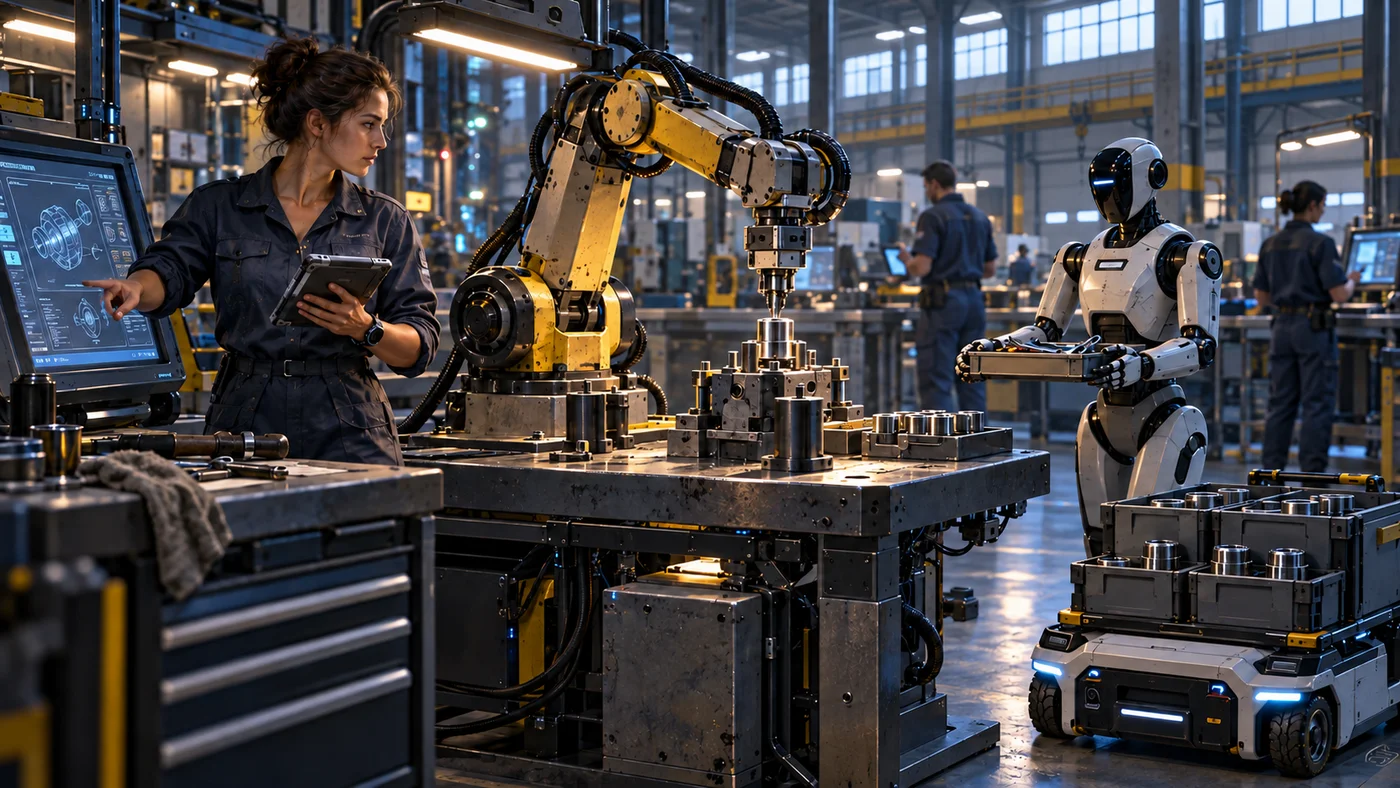
Personal AI is ordinary technology in 2800. An assistant can accompany its user across compatible watches and communications devices, and can inhabit a robot body. Access, hardware, and permission determine what it can actually do.
Assistants And Physical Bodies
An assistant provides continuity across devices without giving every device the same capabilities. A robot body supplies the sensors, movement, and tools needed for physical work. Moving an assistant into a household robot does not turn that robot into surgical equipment or an industrial machine.
| Technology | Role and limits |
|---|---|
| Personal assistant | Works with its user and available information across compatible devices |
| Robot body | Performs physical tasks supported by its particular equipment |
| Surveillance system | Collects observations through its own sensors and access |
| Communications relay | Carries information between locations; it is distinct from the assistant using that information |
An external communications outage does not automatically disable locally operating assistants, robots, or surveillance equipment. It does prevent them from receiving information that has not reached the system.
Robots At Work And At Home
Most robots are shaped around their jobs. Anchored arms and gantries suit industrial tasks; load carriers, cleaning machines, and sampling equipment serve other needs. Some home and business robots have humanlike bodies with plain faceplates, sensors, or status displays rather than human faces.
Companies own productive robots for shipbuilding, industry, and other work. Affluent households may use robots for housekeeping or childcare, but household ownership is not universal. Equipment costs, maintenance, and available supplies still matter.
Human work includes supervision, specialized judgment, management of robot teams, and tasks where robots cost too much. Automation changes the work required without guaranteeing that every community can afford the same machinery. See Economy and labor.
Familiarity And Consciousness
AI is nonconscious technology. An assistant can nevertheless become familiar through its conversational history and remembered preferences, and people may feel strong affection for it. Its social presence helps explain the continuing public debate about AI.
Fluent speech and a long relationship do not establish a human mind inside the system. Nor does an assistant’s presence on several devices establish a means of transferring a person’s consciousness.
Local Rules
System governments take different approaches to AI. The following examples describe distinct policies, rather than a Federation-wide rule.
| System | Established policy |
|---|---|
| Cae | Prohibits personal and industrial AI use. Visitors deactivate assistants; inert stored data may remain. Ordinary communications and fixed-task control machinery remain legal. |
| Vish | Allows approved company models with logging and audits. Outside personal models must be approved or switched off. |
| Yor | Licenses industrial AI teams within its concession structure. Personal-assistant use does not authorize control of company machines. |
These restrictions affect residents, visitors, and workplaces differently. They do not establish a common legal status for every AI across all systems.
Practical Limits
An assistant’s information is only as current as its received updates. Its physical reach is limited by its body, and its authority by the access it has been given. Conversation alone does not confer control over finances, medical equipment, or a factory.
Fabrication and interfaces explains how users interact with machines. Daily life describes how uneven access to automation shapes ordinary households and communities.